Your domain, connected to your project.
Keep your domain with your current registrar. Manage the DNS records for your website, applications and email in one workspace.
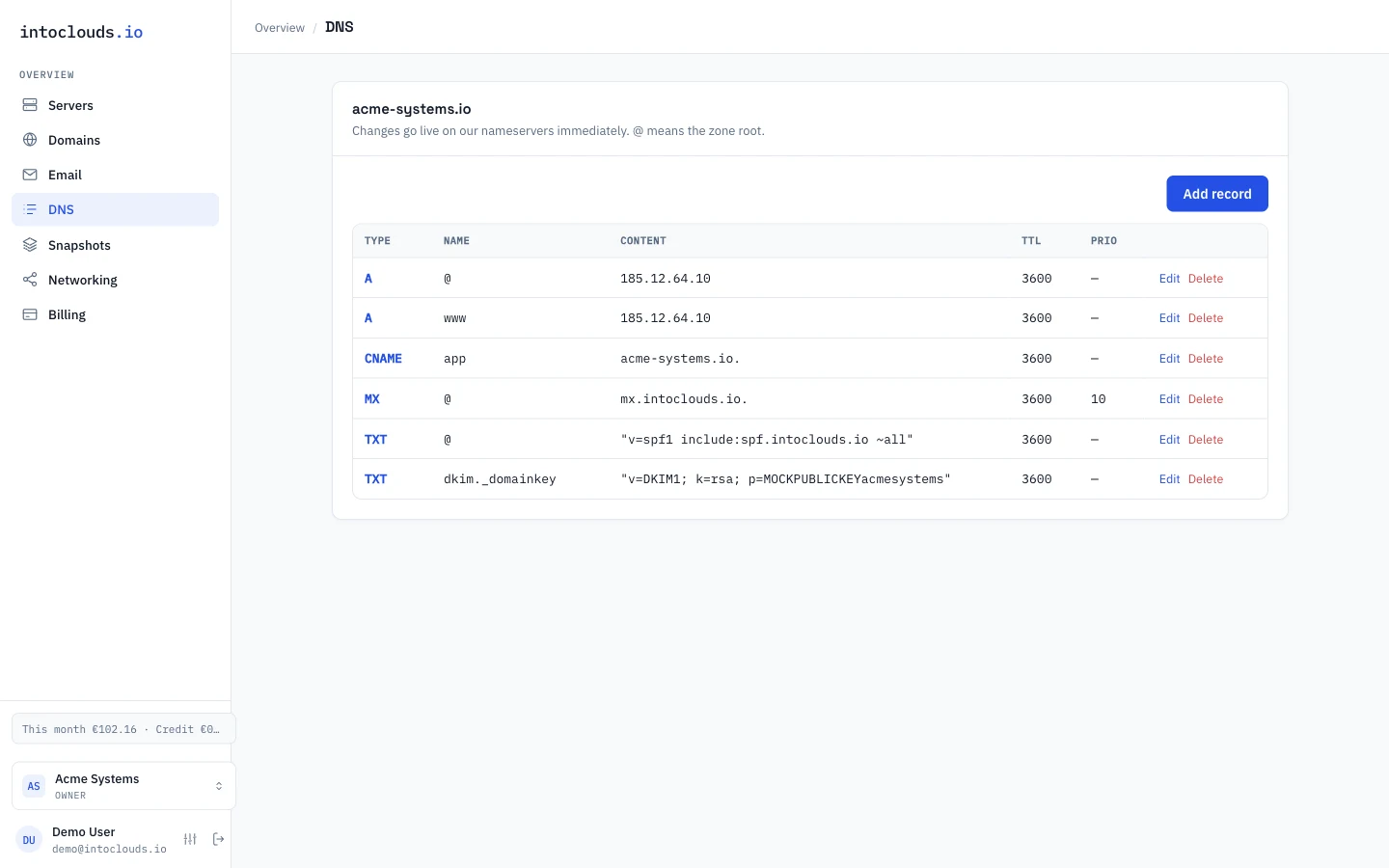
Connect a domain you already own
Add your existing domain to the panel. Review the records found during discovery and add any missing records before changing nameservers at your registrar. Automatic discovery may not find every custom record.
Manage the records your services use
A and AAAA records point names to server addresses. CNAME creates a name alias, MX routes mail, and TXT records hold verification and email authentication values. Check the record type, hostname and TTL before saving.
Connect a domain to a VPSKeep the existing site and mail in mind
Before changing nameservers, inventory every record used by the website, email and third-party services. Prepare the destination zone first and keep a copy of the old settings. Cached DNS answers expire over time, so a nameserver change is not instant.
Keep your registrar
Your domain registration, renewal and WHOIS settings remain with your current registrar. IntoClouds manages the DNS zone. Keep your registrar account accessible and renew the domain there.
Get help with DNSDiscuss your project
We help you choose, launch and migrate your project. Send us your current setup and requirements; we agree the scope and cost before work starts.