
intoclouds / Cloud infrastructure for your projects
Cloud servers.For your next project.
VPS, DNS and business email in one workspace. Root access, with engineers to help you get started.
VPS from US$9.00 / month
VPS price excludes taxes. Email and backups are optional paid services.
NVMe storage · SSH access · snapshots
ServicesMake it yours
Inside IntoClouds
One control panel.
Servers, domains, DNS and email — one panel, one billing page.
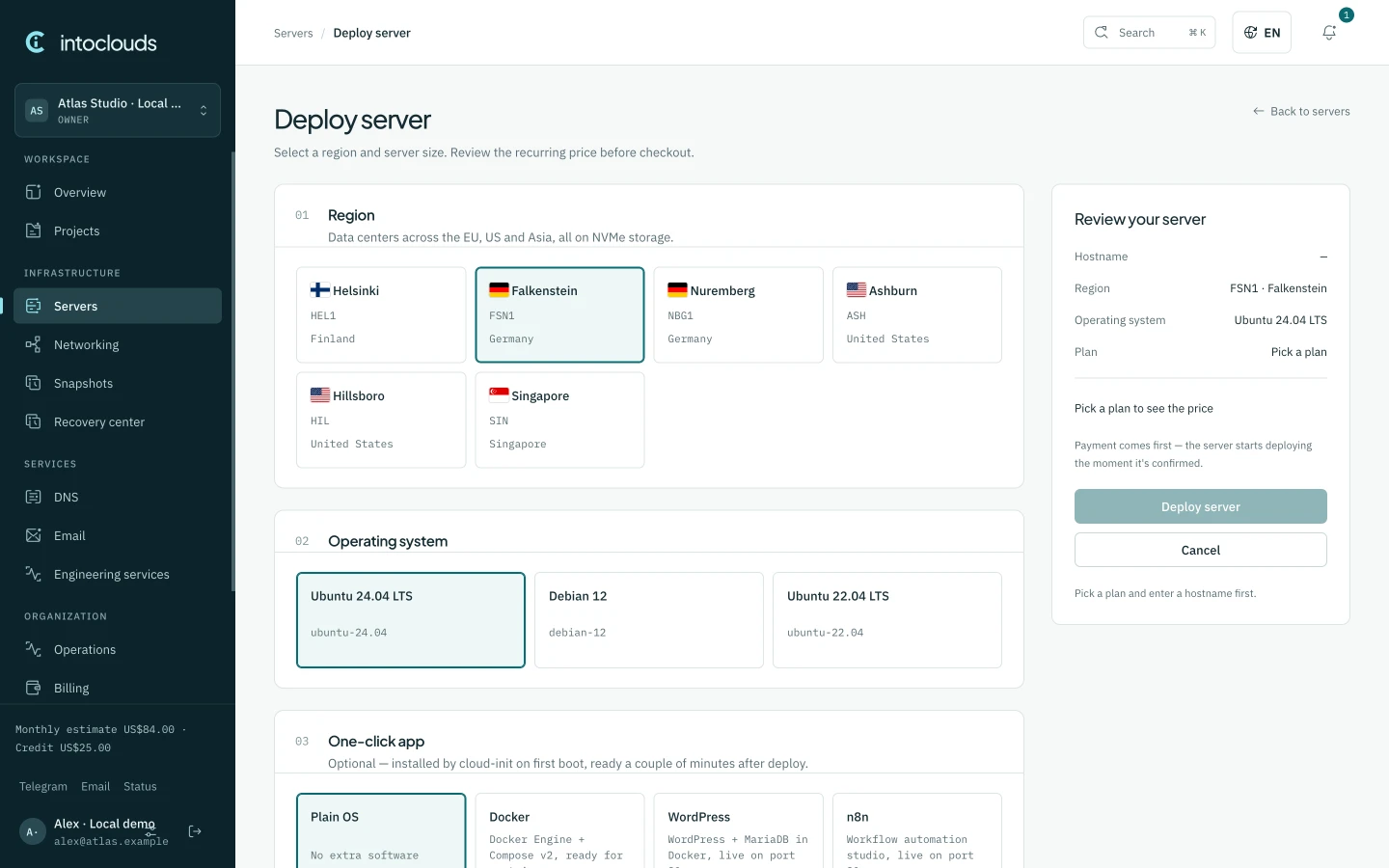
Select a region and server size. Review the recurring price before checkout.
Get startedExplore a launch in four stages
Interactive demonstrationAn illustrative walkthrough. These controls do not create resources, charge money or report a real deployment.
Demo: choose an application template and region. A real launch starts with the options available to your account.
pricing
Choose your resources
Monthly VPS prices in USD. Prices vary by region; availability and the final price are checked when you order.
Use a domain you already own. Registration and renewal stay with your current registrar; email is billed separately.
Prices are shown in US dollars (USD) and exclude any local taxes, which Polar adds and collects at checkout where required.
Services
Start with what you need.
One account for your infrastructure. Each service has its own clear scope and price.

Monthly subscription
Cloud servers
A VPS for applications, APIs, databases, bots, websites and development environments. Choose your region, Linux image and resources, with root access and control from the panel.
NVMe storage · SSH access · snapshots
Choose a server
For domains you already own
DNS management
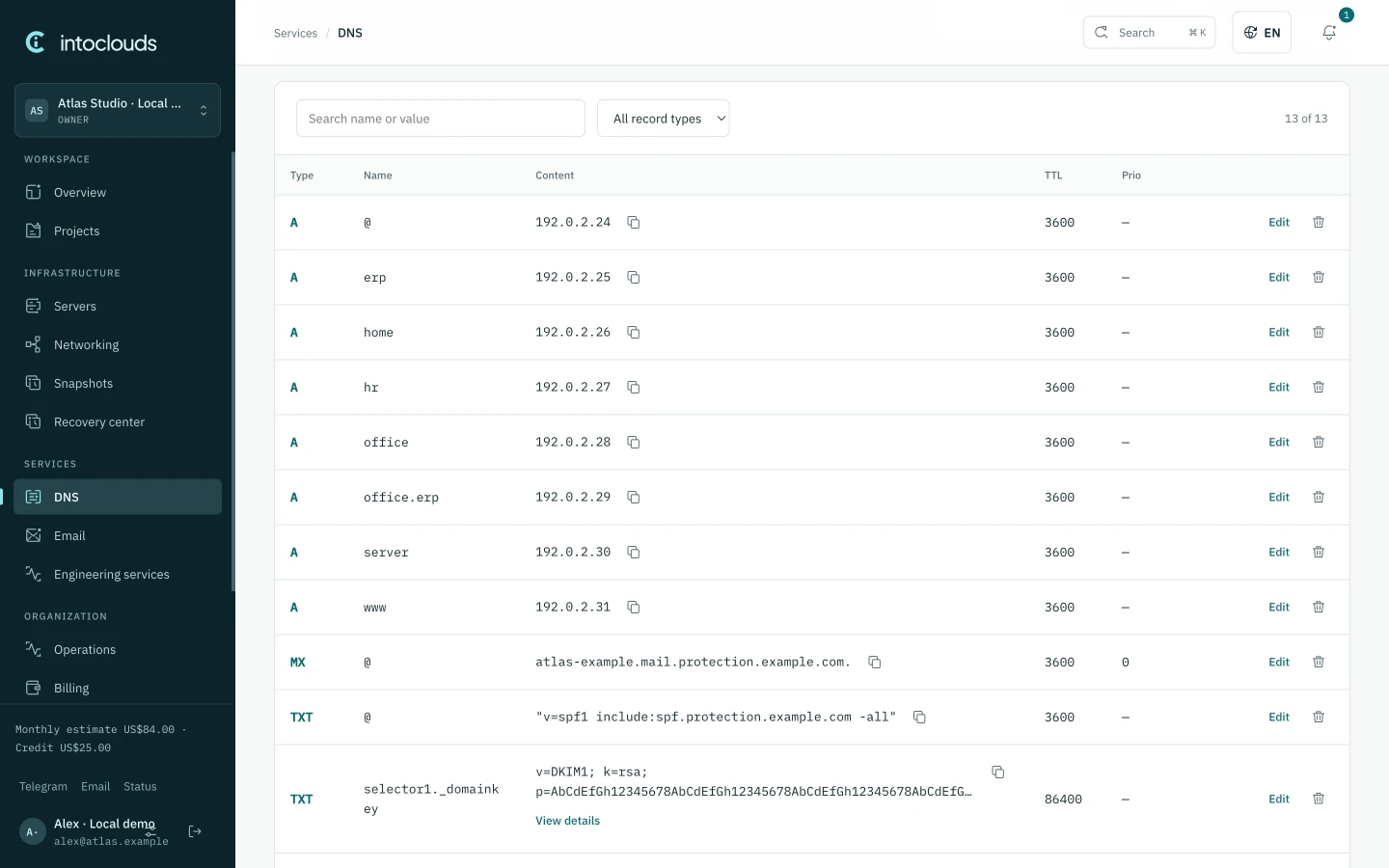
Connect a domain you already own and manage its DNS records alongside your server. Registration and renewal stay with your current registrar.
Own domain · DNS records · nameservers
Connect a domain
For your connected domain
Business email
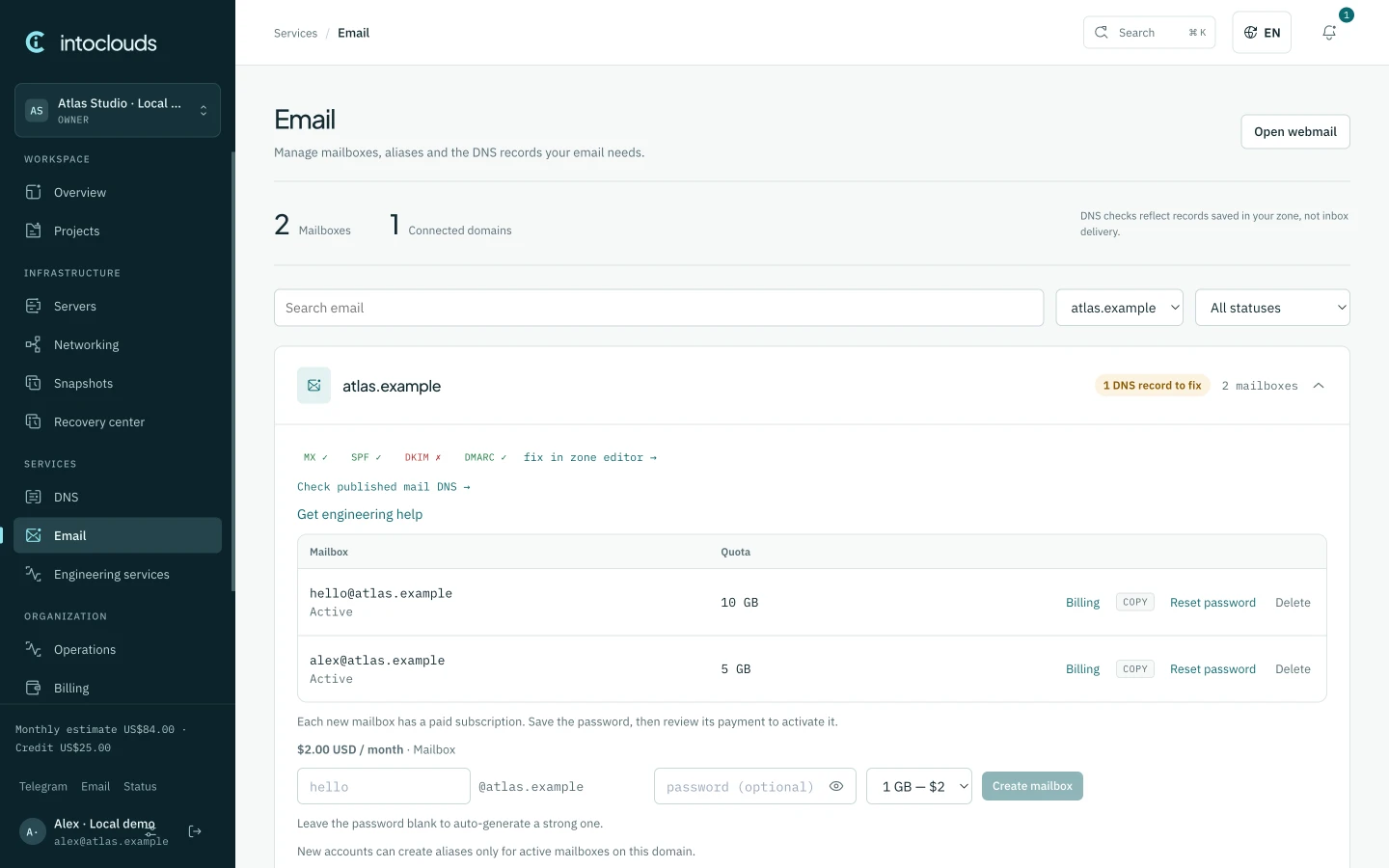
Create addresses on your own domain, manage mailboxes and aliases, and use webmail or an IMAP client. Review domain setup and mailbox quotas in the panel.
Your domain · webmail · IMAP & SMTP
Set up email
Optional paid add-on
Server backups
Enable daily disk backups for a VPS and keep seven restore points. The add-on costs 25% of that server's monthly subscription.
Off by default · disk-level copies · 7 restore points
Manage server backupsBackup coverage is the server disk; external storage and application-consistent recovery need a separate plan.
Engineering support
Engineering with a clear scope.
Describe the project and constraints. We agree deliverables, access, acceptance checks and any cost before work begins.
Migration planning
Inventory the current services, agree a migration and rollback plan, then verify the agreed checks after the move.
Application setup
Agree the application template, configure the domain and HTTPS, and check the agreed readiness criteria before handover.
Ongoing operations
Agree monitoring, maintenance and incident responsibilities separately. Coverage, response expectations and exclusions belong in the scope.
You keep root access and control of your application. Ongoing administration and project work are agreed separately.
Support scope and availabilityWhat do I pay for?
VPS hosting is billed monthly. Daily server backups are optional and cost 25% of the VPS subscription. Review the final total and applicable taxes at checkout.
Can I use a domain I already own?
Review all DNS records before changing nameservers. Automatic discovery may miss records; keep a copy of the current zone and check website and email after the switch.
Is WordPress fully managed?
The WordPress template installs a starting environment on your VPS. You are responsible for completing setup, HTTPS, plugins and updates. Fully managed WordPress and staging are not included.
Who manages my domain registration?
Registration, renewal and WHOIS settings stay with your current registrar. IntoClouds manages DNS for domains you already own.
How can I get help choosing?
Tell us about your website, application or mailboxes on Telegram. We can discuss the resources and migration work you need before you order.
intoclouds.io
Your next project starts here.
We help you choose, launch and migrate your project. Send us your current setup and requirements; we agree the scope and cost before work starts.